Planet DDS Pay: Payments Built into Denticon and Cloud 9
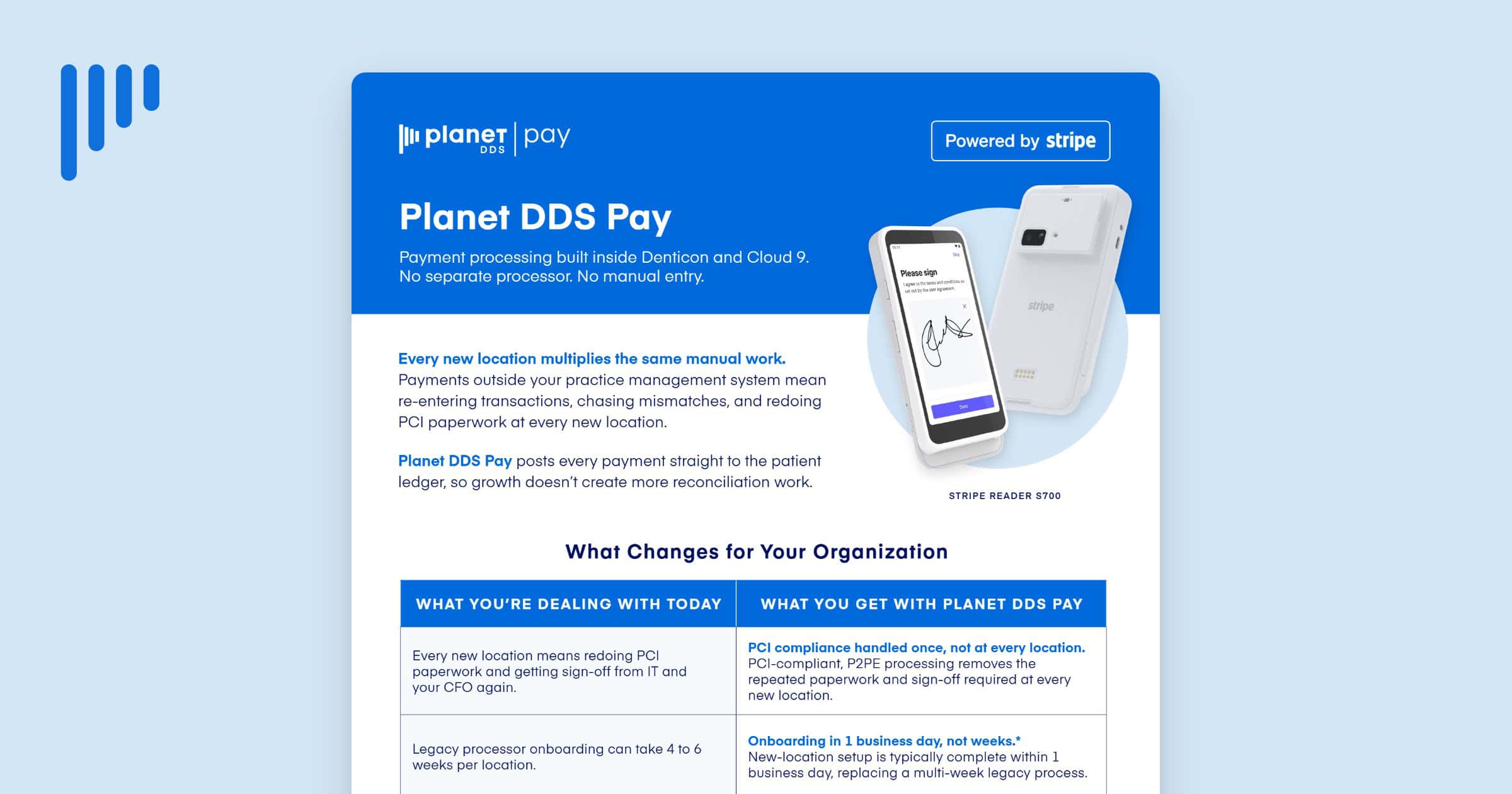
Every new location multiplies the same manual work. Payments made outside your practice management system mean re-entering transactions, chasing mismatches, and redoing PCI paperwork at every new location. Growth turns into more reconciliation, not less.
Planet DDS Pay is payment processing built inside Denticon and Cloud 9. There is no separate processor and no manual entry. Powered by Stripe, it posts every payment straight to the patient ledger, so growth doesn’t create more reconciliation work.
What Planet DDS Pay Changes for Your Organization
For most practices, payments live in a system separate from the ledger, so every transaction has to be re-entered and reconciled by hand. Planet DDS Pay closes that gap and removes the repeat work that comes with each new location:
- PCI compliance handled once, not at every location. PCI-compliant, P2PE processing removes the repeated paperwork and the IT and CFO sign-off a new location usually requires. Compliance is handled at the platform level, so adding an office does not restart the review.
- Onboarding in one business day, not weeks. New-location setup is typically complete within one business day, replacing the four-to-six-week timeline of a legacy processor. Every office reaches the same setup without a separate implementation project.
- One revenue report across every location. Practices get a patient-level revenue report they didn’t have before, with flexible daily, weekly, or monthly views. Reporting no longer has to be stitched together from separate reports at every office.
- Every payment posts where it needs to be. Because Planet DDS Pay is embedded in Denticon and Cloud 9, every transaction posts to the ledger automatically. There is nothing to re-enter and nothing to reconcile by hand.
- Recover card processing costs, compliantly. A built-in, compliant surcharge lets practices recover processing costs without a separate vendor conversation. It is configurable from 0–3% by the org admin, and debit, HSA, and FSA transactions are always exempt.
Built to carry into every new location
There is no separate login, system, or terminal software to manage. Every transaction posts to the existing patient ledger, so there is no re-entry and nothing to reconcile by hand.
New-location setup is complete within one business day, so every office gets the same experience without a repeat implementation project. Self-service configuration itself takes about five minutes; the standard onboarding window covers scheduling and account activation, plus two to three business days for terminal shipping if a physical card reader such as the Stripe Reader S700 is needed.
Planet DDS Pay Standalone for new locations
New locations don’t have to wait for a full PMS go-live to start collecting. The Planet DDS Pay standalone version lets a newly acquired office start processing payments from day one, with no Denticon or Cloud 9 onboarding required first.
Part of the Payments+ Suite
Planet DDS Pay is part of the Payments+ Suite, which brings every financial capability into Denticon and Cloud 9 natively, starting with payment processing and surcharge recovery. As new capabilities roll out, they add to the setup you already have, with no new vendor to onboard and nothing to migrate.
“The final setup for Planet DDS Pay is so much easier and smoother than our previous platform … I can do it myself in about five minutes.” —Madi Hoesten, VP of Integration, Southern Family Dental Partners
Planet DDS Pay: Growth Without More Reconciliation Work
Planet DDS Pay turns payment processing from a system that runs alongside your ledger into one that runs inside it. PCI handled once, onboarding measured in a day, revenue reporting in one place, and surcharge recovery built in mean that adding a location no longer adds reconciliation work.
Discover what payments look like when they are already inside your practice management system.