AI Voice Perio
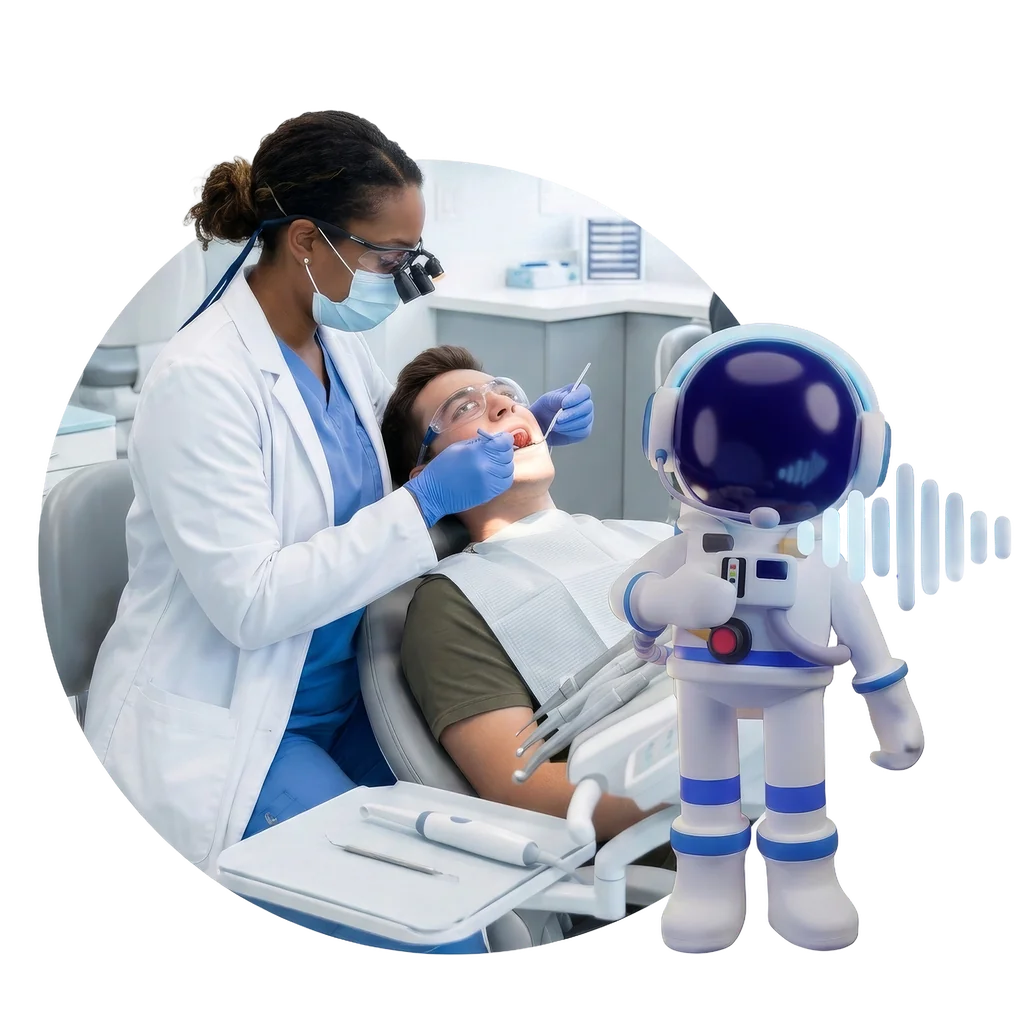
Hands-free perio, no assistant needed.
- Speak pocket depths, bleeding, recession, and mobility
- Each reading lands on the right tooth and surface in real time
- A Perio Report Card turns findings into a patient-friendly view

Add-on suite — Clinical Voice+
Clinical Voice+ is voice charting built into Denticon, not a separate app. Providers speak perio findings, restorative exams, and progress notes at the chair with AI Voice Perio, AI Voice Restorative Charting, and AI Voice Progress Notes. The AI structures the record, and nothing posts to the chart until the provider approves it.
Clinical Voice+ at a glance
All three workflows are part of the DentalOS platform, currently available in Denticon. Read the Dental Care Alliance case study
The daily tax
Each office finds a workaround. Across dozens of locations, the workarounds become the problem.
Three voice workflows
Providers speak at the chair, and the AI structures the record.
Hands-free perio, no assistant needed.
Chart conditions and treatment as you see them.
Speak the visit. Get a structured note.
Together, they cover every documentation moment in a patient encounter. All three are part of the DentalOS platform, currently available in Denticon. See the full suite in Denticon
See it in action
A voice panel shows what the AI heard and how it entered it. Correct by voice, then approve once and it writes to the chart.
Built into Denticon
Findings land in the Denticon record your team already uses, inside the workflow they run every day.
No separate application, extra login, or third-party vendor.
Every product writes an editable draft. Nothing posts to the chart until the provider approves it.
How it works
Customer proof
Using Denticon and being fully integrated into the system makes it a lot simpler for us. It eliminates the failure points, training, and frustration our staff runs into.
Reduces scribe and assistant labor overhead, a cost that compounds with every location you add
Returns provider chair time to the schedule instead of documentation catch-up
Sets one documentation standard across every provider and location
Reduces payer audit and compliance risk from inconsistent or incomplete documentation
Starts acquired practices on the same workflow
Scales across your organization without adding headcount or vendor relationships
Common concerns
Most teams make it work in one office. At scale, variability across providers and locations gets hard to govern, and you end up staffing around documentation. Clinical Voice+ standardizes the model inside Denticon as you grow.
Voice fails when it becomes a separate workflow. Here it is a new way to chart inside Denticon, so findings land in the chart during the exam, in a process your team can train and govern.
The AI enters what the provider says. It doesn’t make clinical decisions. A transcript shows on screen, corrections are one phrase away (“Undo” or “Clear tooth 14”), and nothing posts until the provider approves it.
It removes the most common disruption: stopping to chart or pulling staff into transcription. You can turn it on location by location and expand as teams get comfortable.
It is a charting model inside Denticon with voice as the input. There is no separate app, login, or vendor, and the same approach extends from perio to restorative to progress notes.
It may work well. The question is whether voice charting inside Denticon, where your data already lives, would mean one fewer vendor, one fewer integration, and one system of record.
Clinical Voice+ is an add-on suite for Denticon that enables voice-captured clinical documentation. It includes three products—AI Voice Perio, AI Voice Restorative Charting, and AI Voice Progress Notes—each designed to let providers speak clinical findings and notes directly into Denticon during the visit, without third-party scribes or bolt-on dictation tools.
AI Voice Perio allows providers to speak periodontal charting data—including pocket depths, bleeding, recession, and mobility—out loud during the exam. The AI transcribes and maps each reading to the correct tooth and surface directly in Denticon's perio chart, in real time. No assistant is required in the room for charting.
Providers speak tooth conditions, existing restorations, and treatment plan items during the exam. The AI structures and maps findings to the correct tooth and surface, then generates a draft entry in Denticon for the provider to review and approve before it posts to the chart.
Providers speak the full visit narrative—findings, treatment performed, and observations—during or immediately after the appointment. The AI generates a structured, clinically formatted progress note draft in Denticon. The provider reviews, edits if needed, and approves. The note writes directly to the chart with no re-entry required.
No. Clinical Voice+ is part of the DentalOS® platform, currently available in Denticon. There is no separate application, additional login, or third-party vendor involved. All three products operate inside the Denticon workflow your team already uses, built into the platform rather than bolted on top of it.
Yes. Clinical Voice+ is built specifically for organizations managing multiple providers and locations. It standardizes documentation quality across the group, reduces reliance on scribes and assistants for charting tasks, and scales without requiring additional headcount as the organization grows.
Yes. Every product in the Clinical Voice+ suite generates an editable draft for the provider to review before anything is committed to the chart. The AI structures and formats the input, but the provider retains full control over the final record.
No. AI Voice Perio is designed to eliminate the need for an assistant in the operatory specifically for charting. Hygienists and providers can complete the full perio exam hands-free, by voice, without a second person recording the readings.
Yes. Clinical Voice+ can be turned on by location, so groups can start with a few offices and expand as teams build confidence.

Schedule a demo to see AI Voice Perio, AI Voice Restorative Charting, and AI Voice Progress Notes in action—inside the workflow your team already uses.